

Make a visual schedule
Choose a small routine, find clear photos and adjust the board from real use.
Build 2–5 step routines with familiar photos, optional labels and recorded audio. See one step at a time.
Start with up to two boards free. The one-time unlock is currently available in the UK; check your store for price and availability.
Useful alongside visual timetables, first-then boards, and AAC support. Not a replacement for specialist AAC systems.
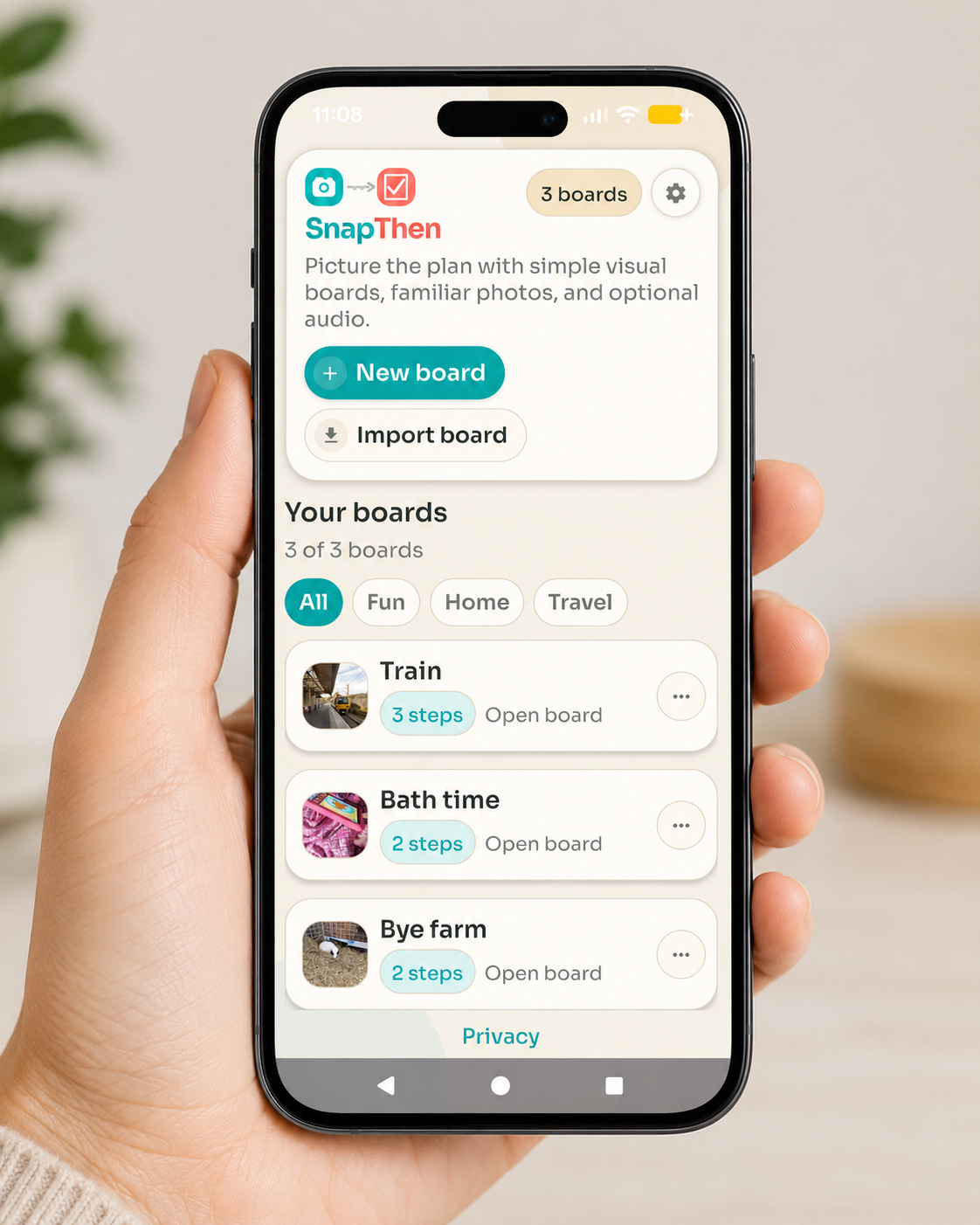
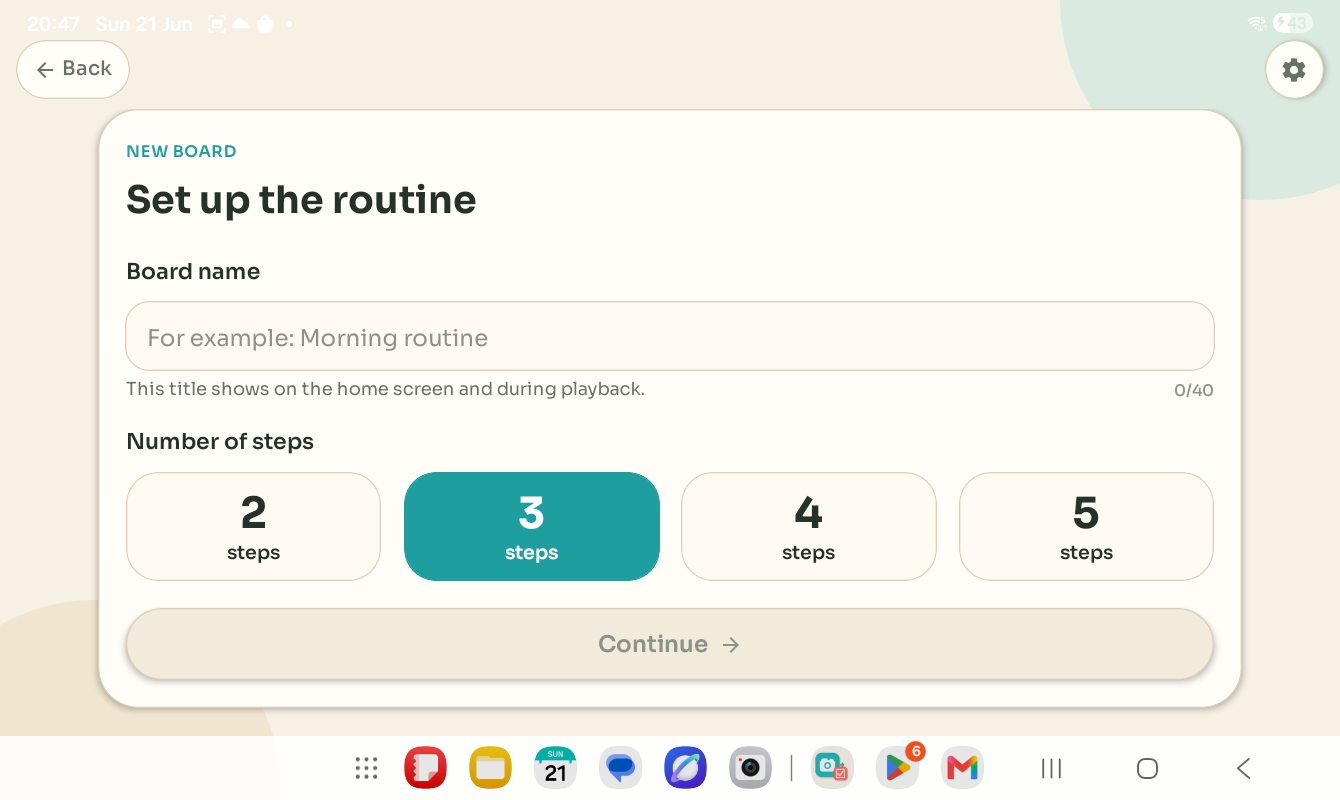
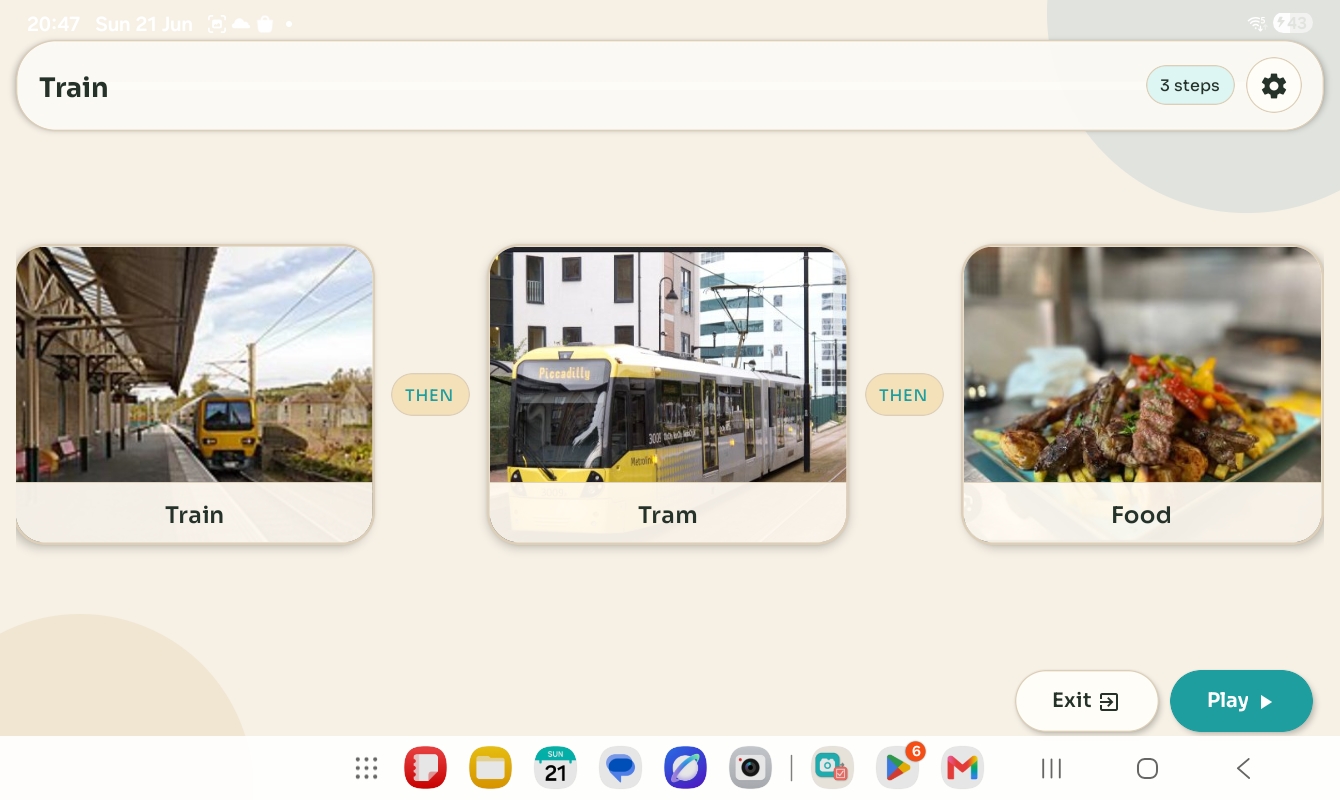
Choose meaningful pictures and a short sequence before you build a board.
Choose a small routine, find clear photos and adjust the board from real use.
Use two pictures to show a simple sequence and make space for choices.
A free first-then planning sheet for photos, drawings or short labels. No sign-up.
SnapThen is for families who want a privacy-conscious visual support tool without accounts, feeds, cloud dashboards, or too many moving parts. It is also easy for SENCOs, teachers, therapists, and support staff to understand quickly.
Make a quick routine around the child's actual environment instead of hunting through generic symbols or clip-art libraries.
Keep the focus on clear sequencing, familiar images, and calm transitions. Labels and audio can be added only when they are helpful.
Explain it quickly, try it safely, and see where it fits alongside existing AAC, PECS-style supports, visual timetables, and transition strategies.
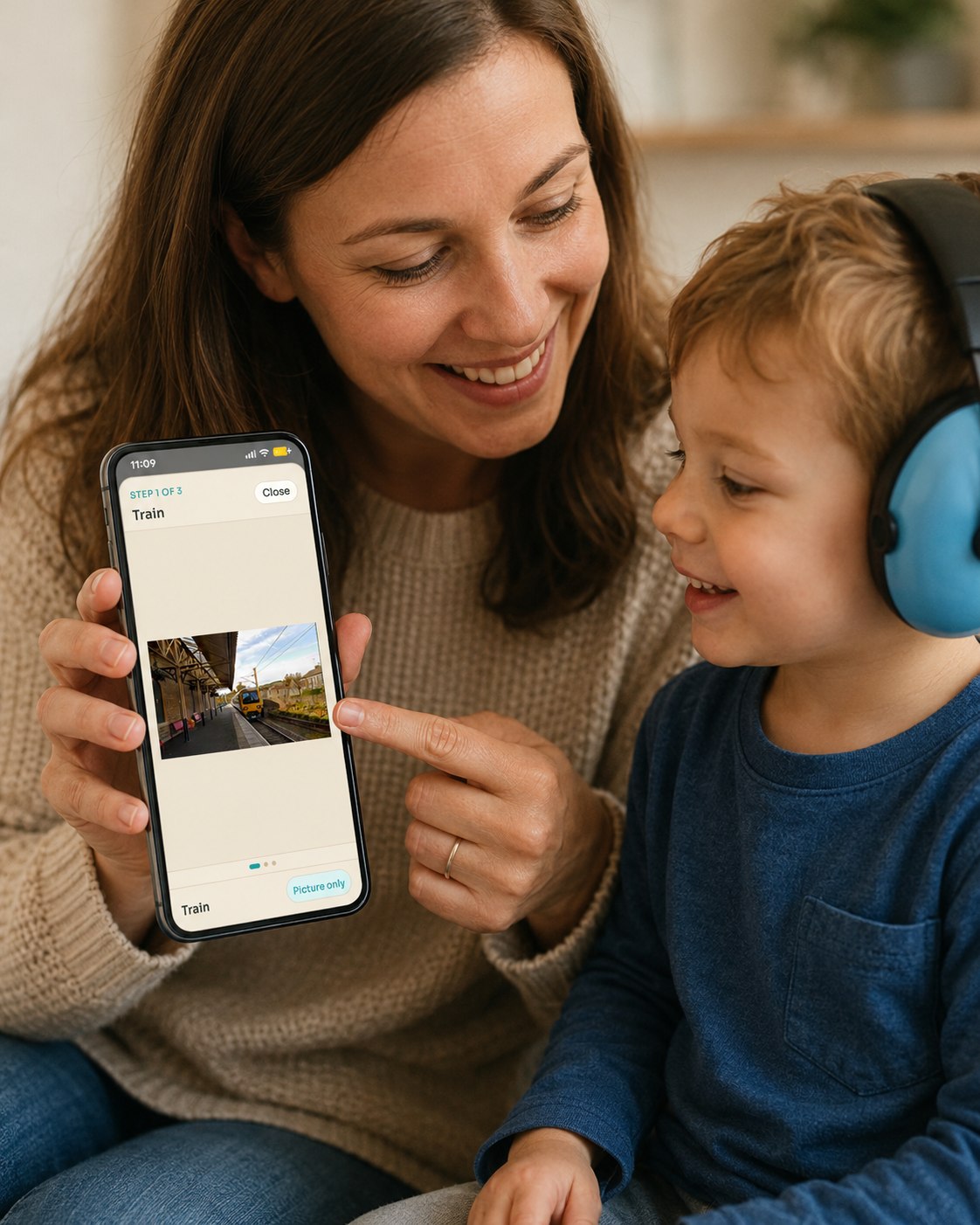
Open the board, point to the current step, and keep the focus on the real routine in front of you.
SnapThen stays focused on the everyday loop: make a board quickly, open it when it helps, adjust it later, and keep photos on the device unless you choose to share or back up.
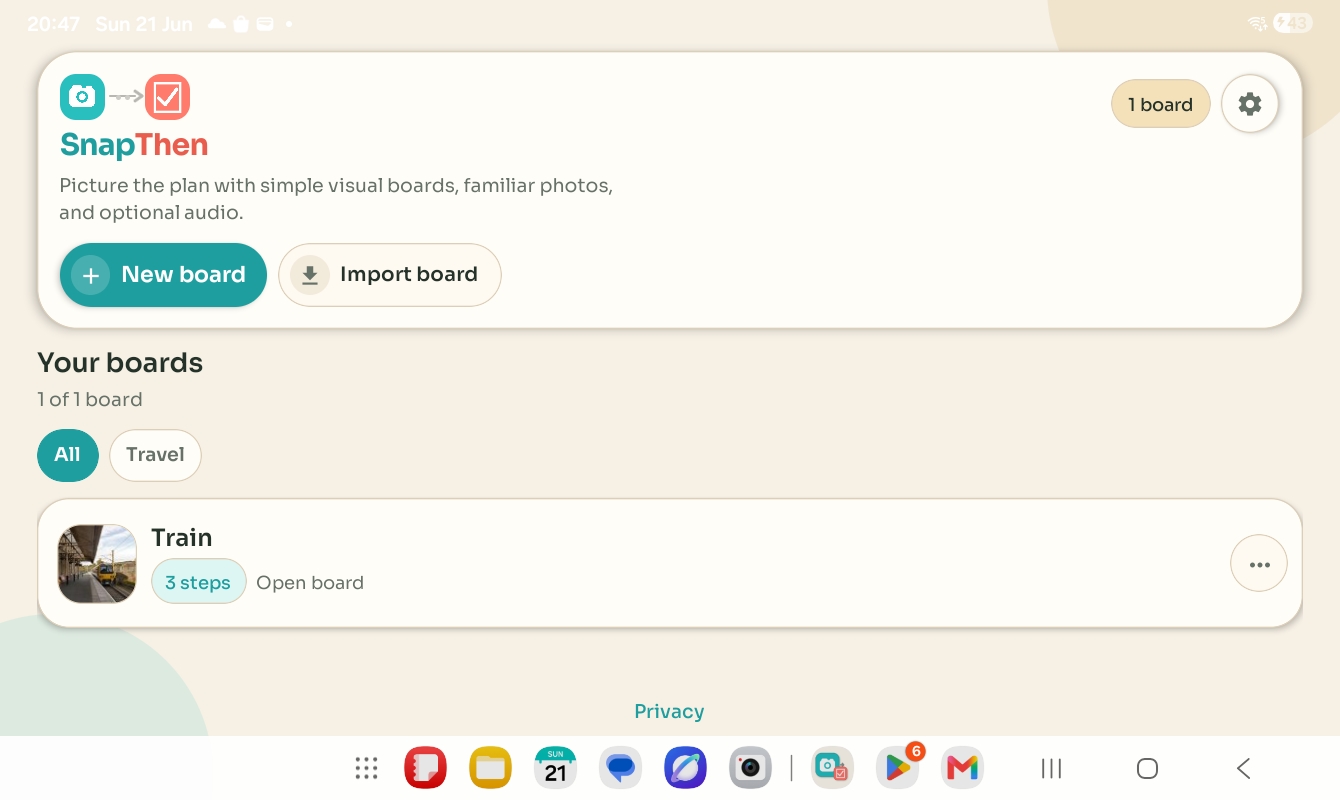
Open a board quickly, create a new one, or import one when you need it.
Keep routines short and specific so they are easier to understand and easier to use in real situations.
Move through each step with large photos and a clear sense of what comes next.
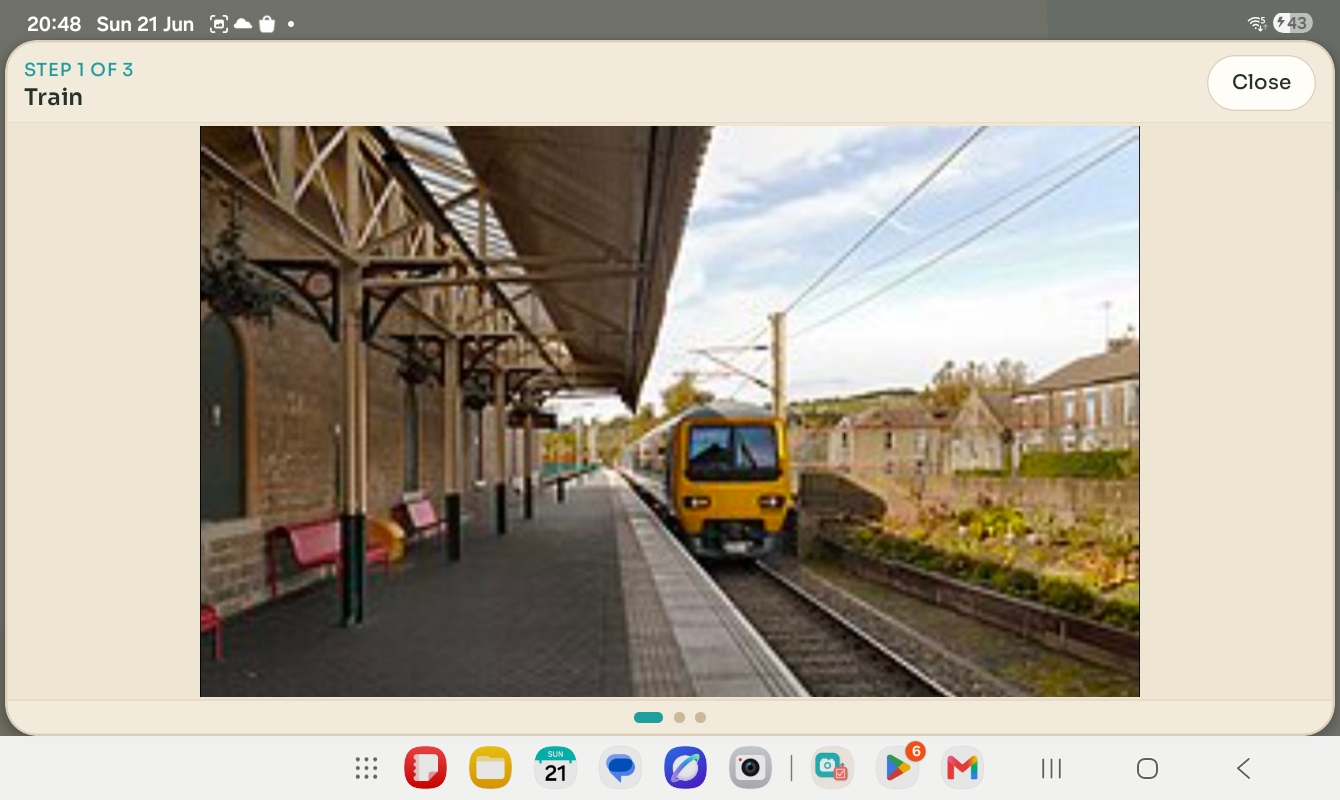
Useful when a larger visual cue is easier than extra text or explanation.
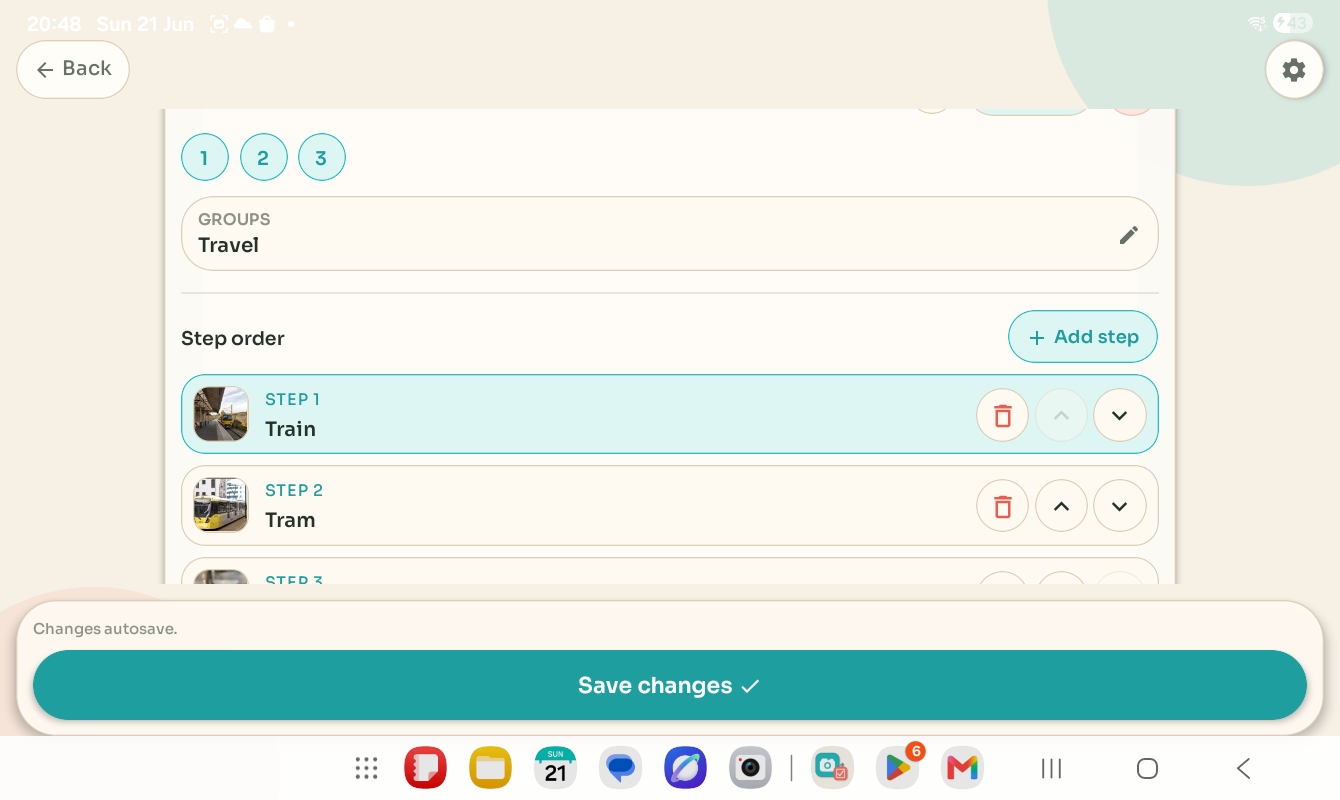
Adjust step order, add another step, or tidy the flow without starting again from scratch.
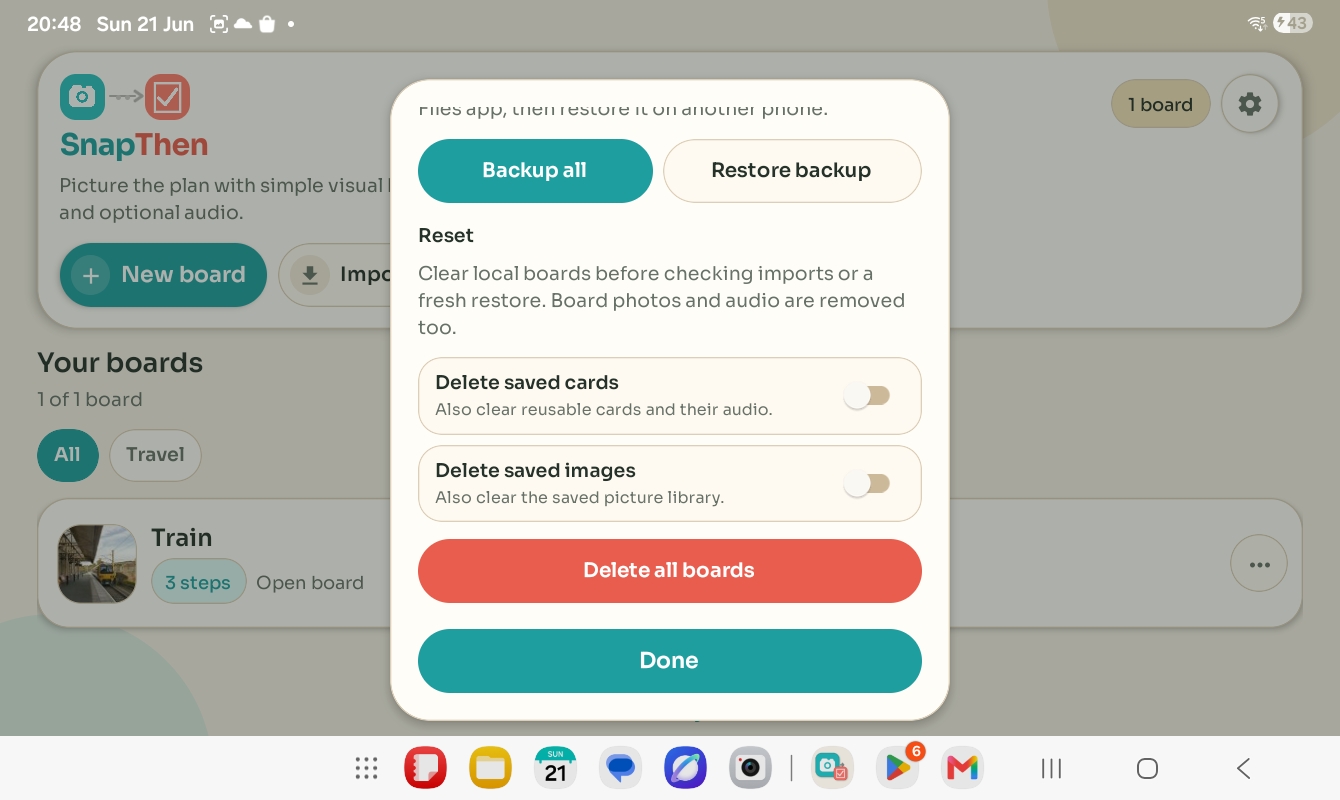
Use board sharing and backup tools intentionally rather than relying on hidden cloud storage.
Take photos or choose existing ones so the board reflects the child's own objects, places, activities, and transitions.
Set the sequence, keep labels short, and only add recorded audio when it genuinely improves clarity for that child.
Open the board, move through the steps, enlarge the image if needed, and tweak the routine later when real life changes.
No. SnapThen is a supportive visual routine tool, not a replacement for specialist AAC systems.
Yes in normal use. SnapThen is designed around local storage unless you deliberately export, share, or restore data.
Yes. You can share one board at a time or use backup and restore tools when you need a wider move.
The FAQ and setup guide covers first steps, common questions, and what to send support if something goes wrong.
For setup questions, restore or backup help, permissions basics, or product feedback, use the support page. For data handling details, the privacy policy remains at the same stable link used from inside the app.